Reviewing creative work should be the easy part 


Wipster streamlines review cycles so creative teams can deliver better work faster

 
wip-feature@3x.png
 

Start using Wipster today

Talk about your requirements


What is creative review?


The process of giving and getting feedback during the creative process.

 
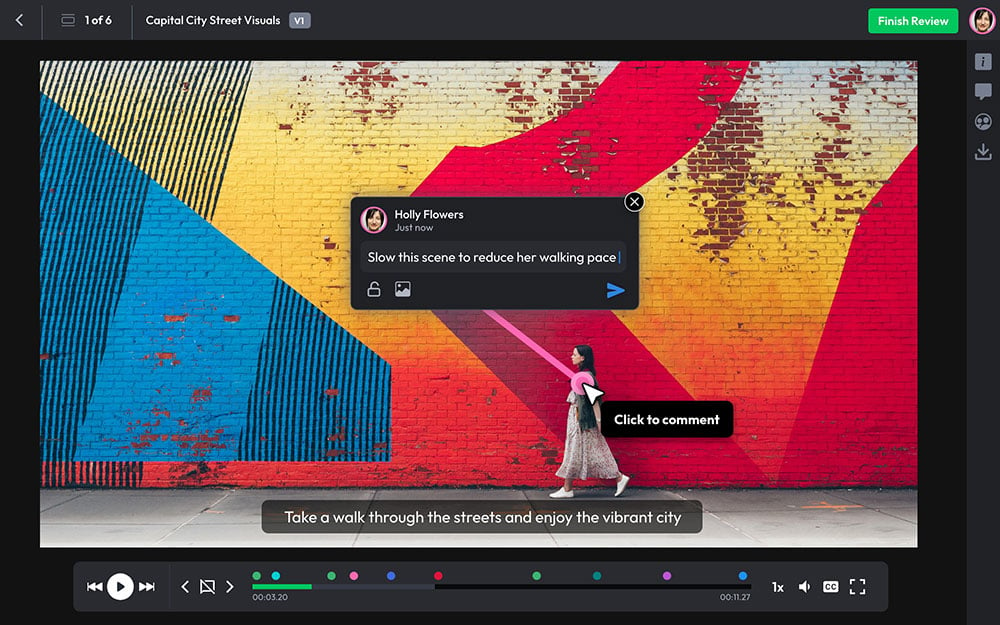
Share creative projects for review with Wipster

Share assets

WIPs are shared with collaborators.

Creative+review+with+Wipster.png

Review assets

Feedback sessions, versions, and stages.

Deliver creative projects with Wipster

Deliver assets

Deliver in high resolution.


Working with Wipster has been a breath of fresh air. It has completely changed the way we operate.
— Caitlin Conkin, AON


How does Wipster work?

Create your project where you’ll upload your WIPs and add collaborators (Creatives, Project Managers, and Reviewers).

Create your project where you’ll upload your WIPs and add collaborators (Creatives, Project Managers, and Reviewers).

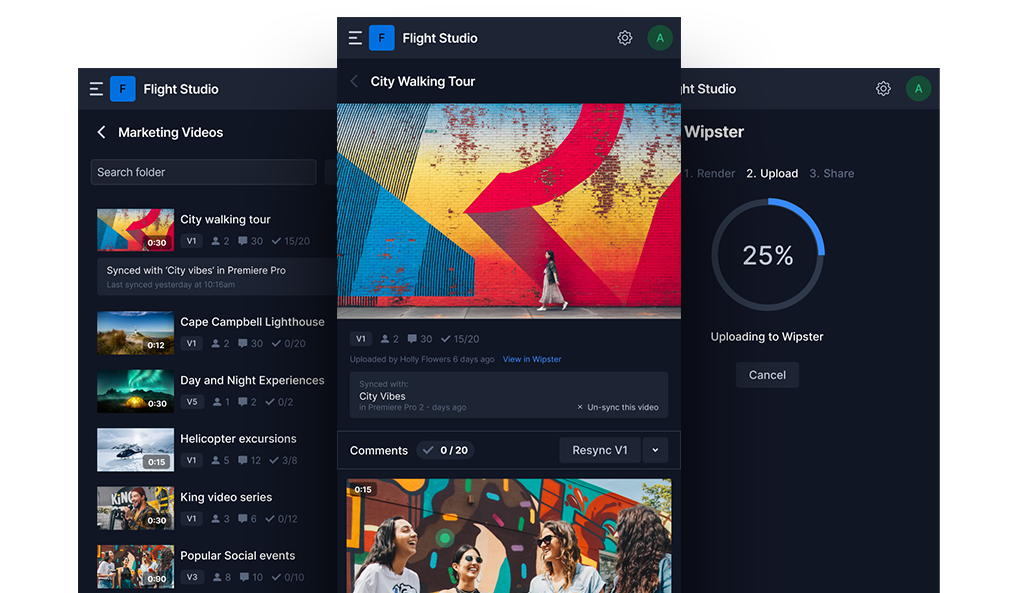
Upload and share WIPs from Wipster cloud, other storage apps, Adobe, or API.

Upload and share WIPs from Wipster cloud, other storage apps, Adobe, or API.

Collaborators add feedback to a single asset or a whole campaign.

Collaborators add feedback to a single asset or a whole campaign.

Creatives and Project Managers work through multiple versions and review cycles.

Creatives and Project Managers work through multiple versions and review cycles.

All assets and projects are tracked through stages from ‘Review’, to ‘Working on it’, through to ‘Approved’.

All assets and projects are tracked through stages from ‘Review’, to ‘Working on it’, through to ‘Approved’.

Approved work is delivered in high resolution as a download, shared to other storage, or through the API.

Approved work is delivered in high resolution as a download, shared to other storage, or through the API.